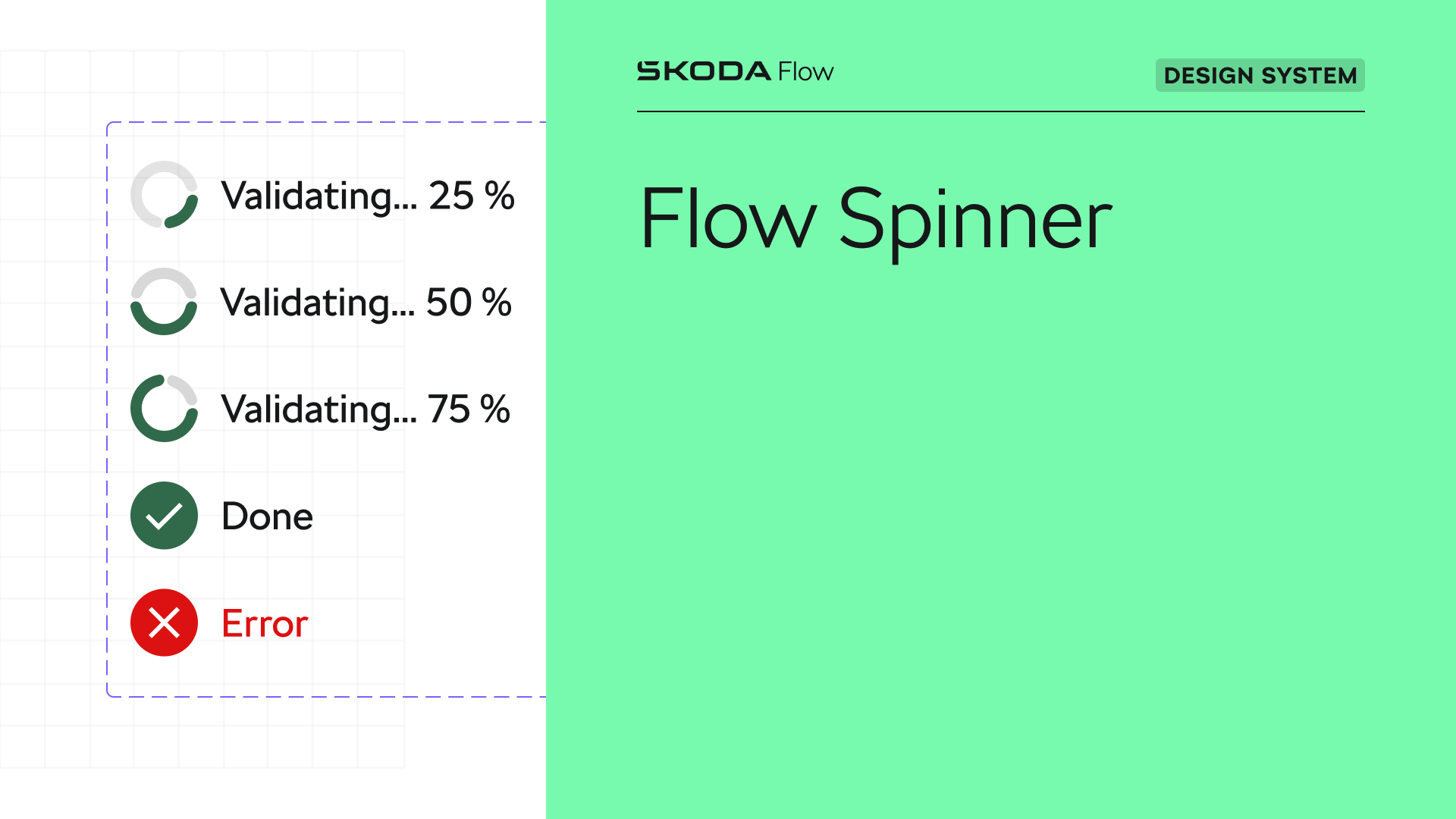

How We Built the Progress Spinner for the Flow Design System
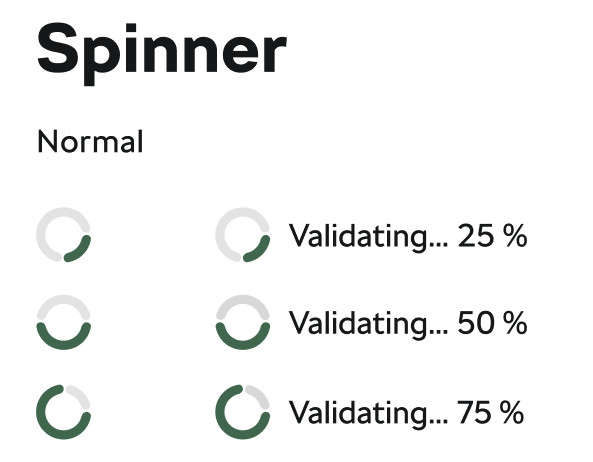
A loading indicator is a standard part of every design system, so it could not be missing from the Flow Design System for Škoda Auto. Its latest iteration is inspired by the principles of Material Design 3 Expressive (https://m3.material.io/components/progress-indicators/overview).
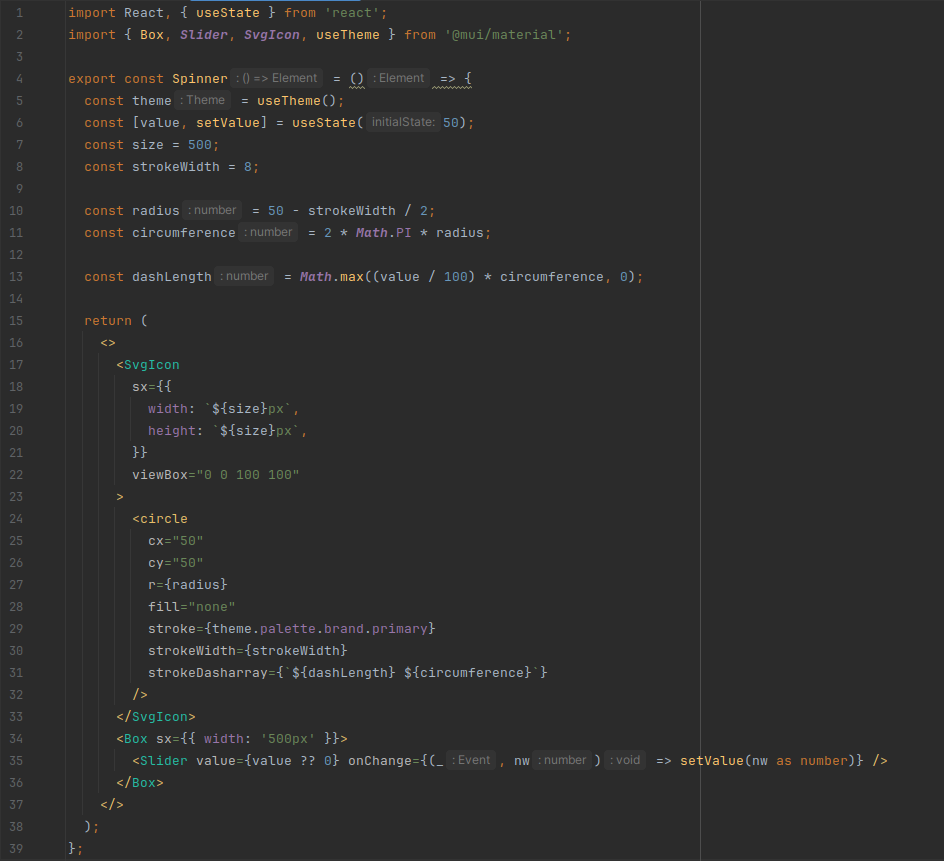
To achieve the desired visual result, it was necessary to approach the implementation of the component gradually and divide the work into individual steps so that we could address each issue separately rather than as a single whole. We first prepared the absolute basics: an SVG with a circle whose stroke length is controlled by a provided percentage value (0–100). For example, if the value is 50, half of the stroke is displayed.
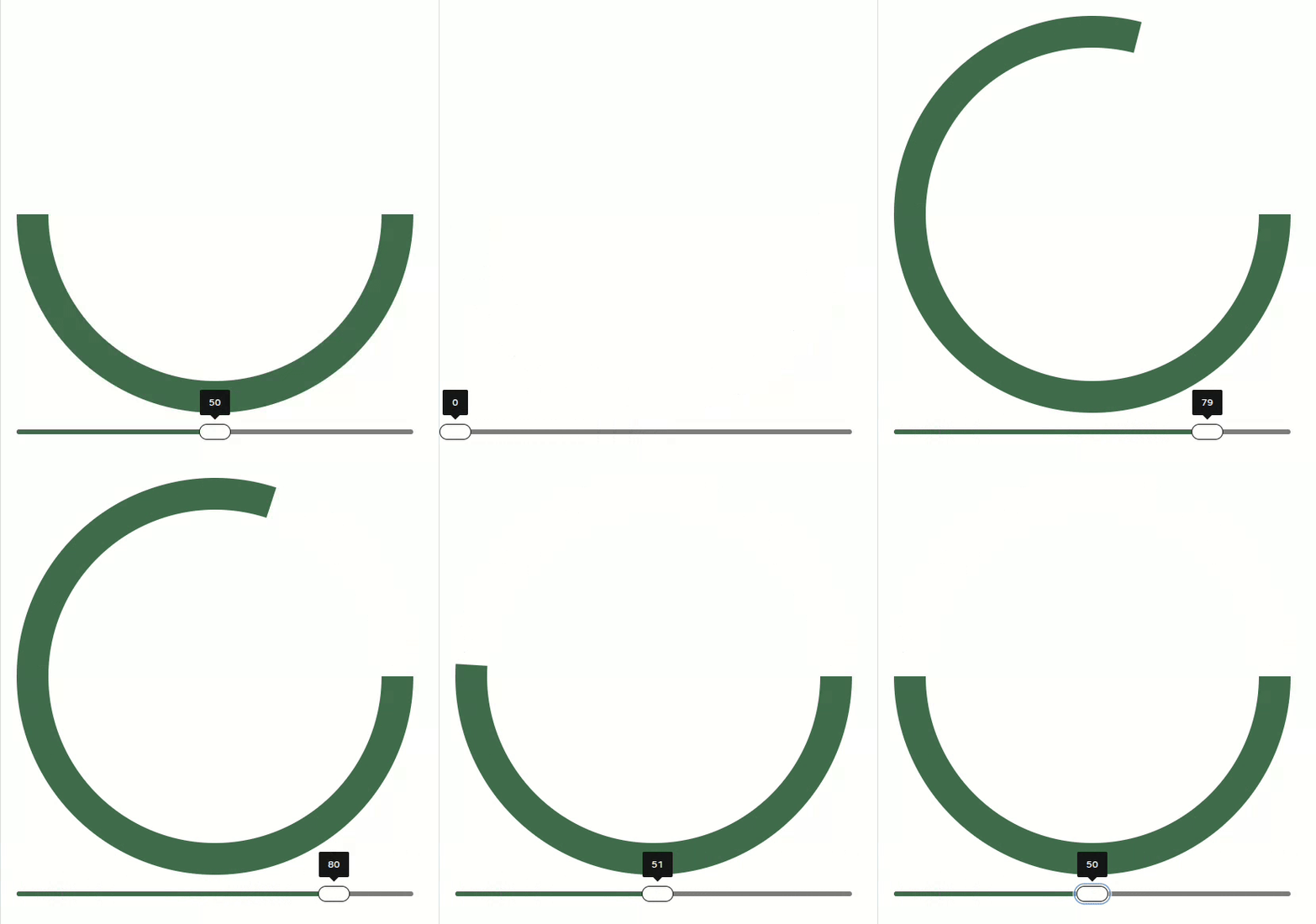
In the next step, we applied the property stroke-linecap="round" to create rounded line endings, which immediately introduced the first problem. The end “caps” visually extended the line by the size of the rounding itself.

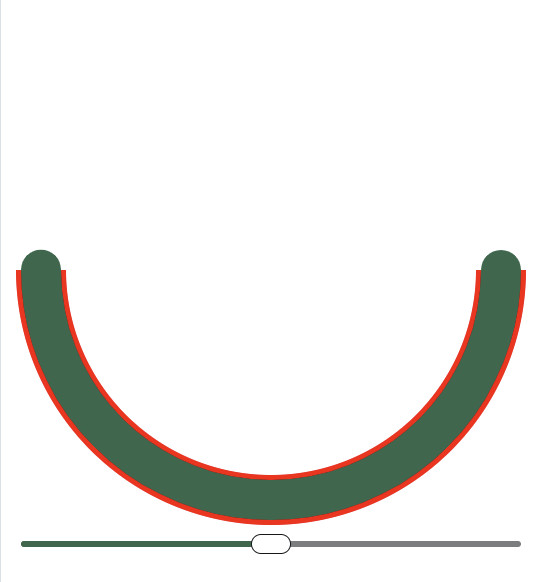
It was therefore necessary to calculate the size of the cap, which equals half of the stroke width, and subtract this value twice when computing the total length.

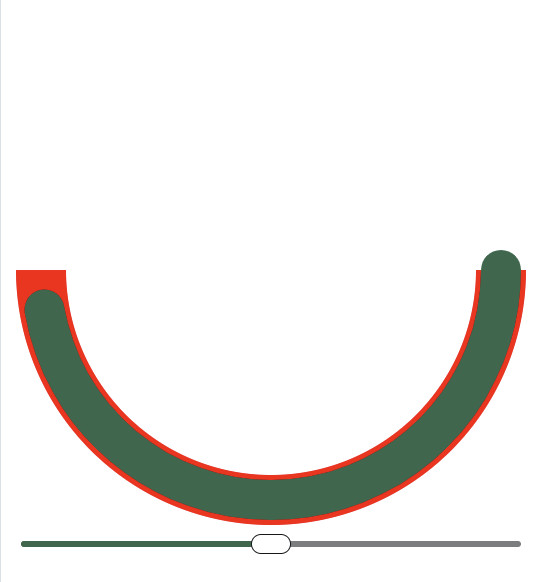
Although this adjustment fixed the length, it introduced another issue. A line with rounded caps was suddenly rotated differently compared to a line without them. We corrected the rotation using the strokeDashoffset property, which rotates the circle by exactly the value corresponding to the size of the “cap.”

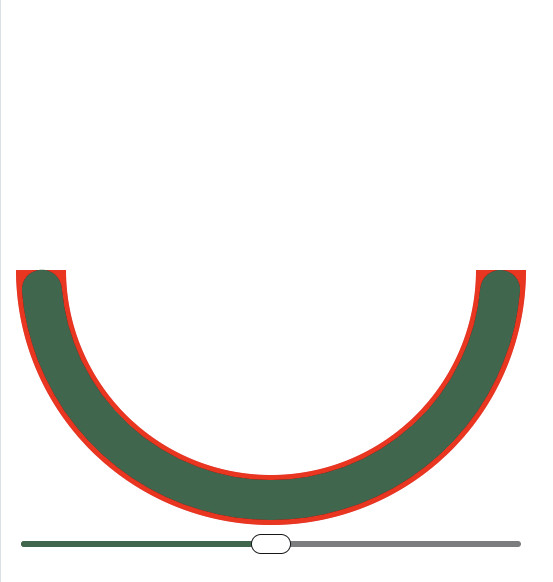
Next came the second, grey line that fills the remaining part. It was sufficient to calculate the corresponding value, apply the rotation, and use the same formula to obtain its length.
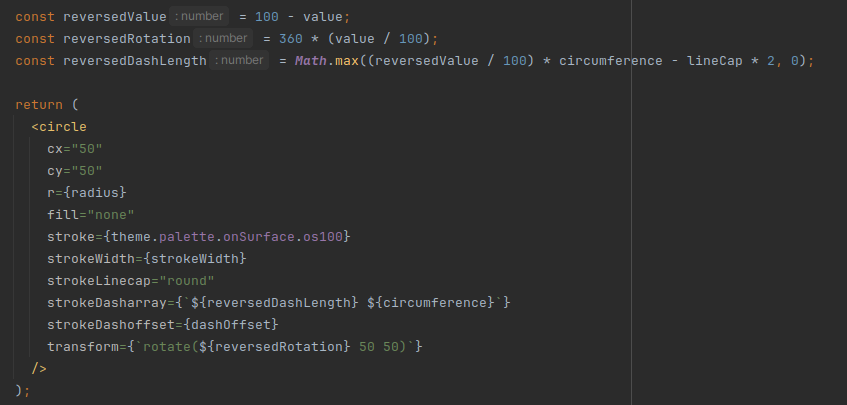
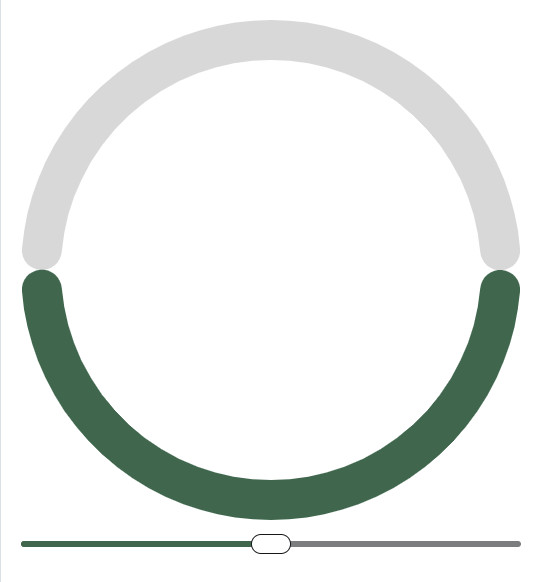
To create a gap between the lines, we simply adjusted the existing calculations, in which we were already accounting for subtracting the size of the “cap.”


The final issue involved values approaching 0 and 100. The goal was to fully close the circles in these cases while ensuring that the one that would no longer fit—and would visually overlap with the other—was not rendered.
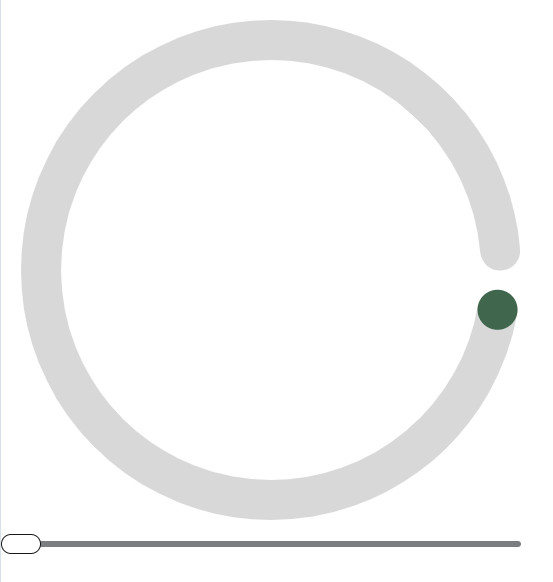
Instead of using a fixed gap size, we began calculating the size of the gap based on the values.

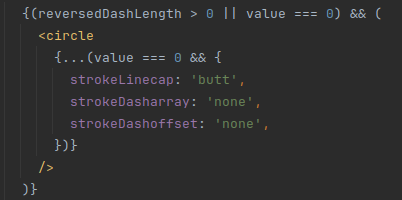
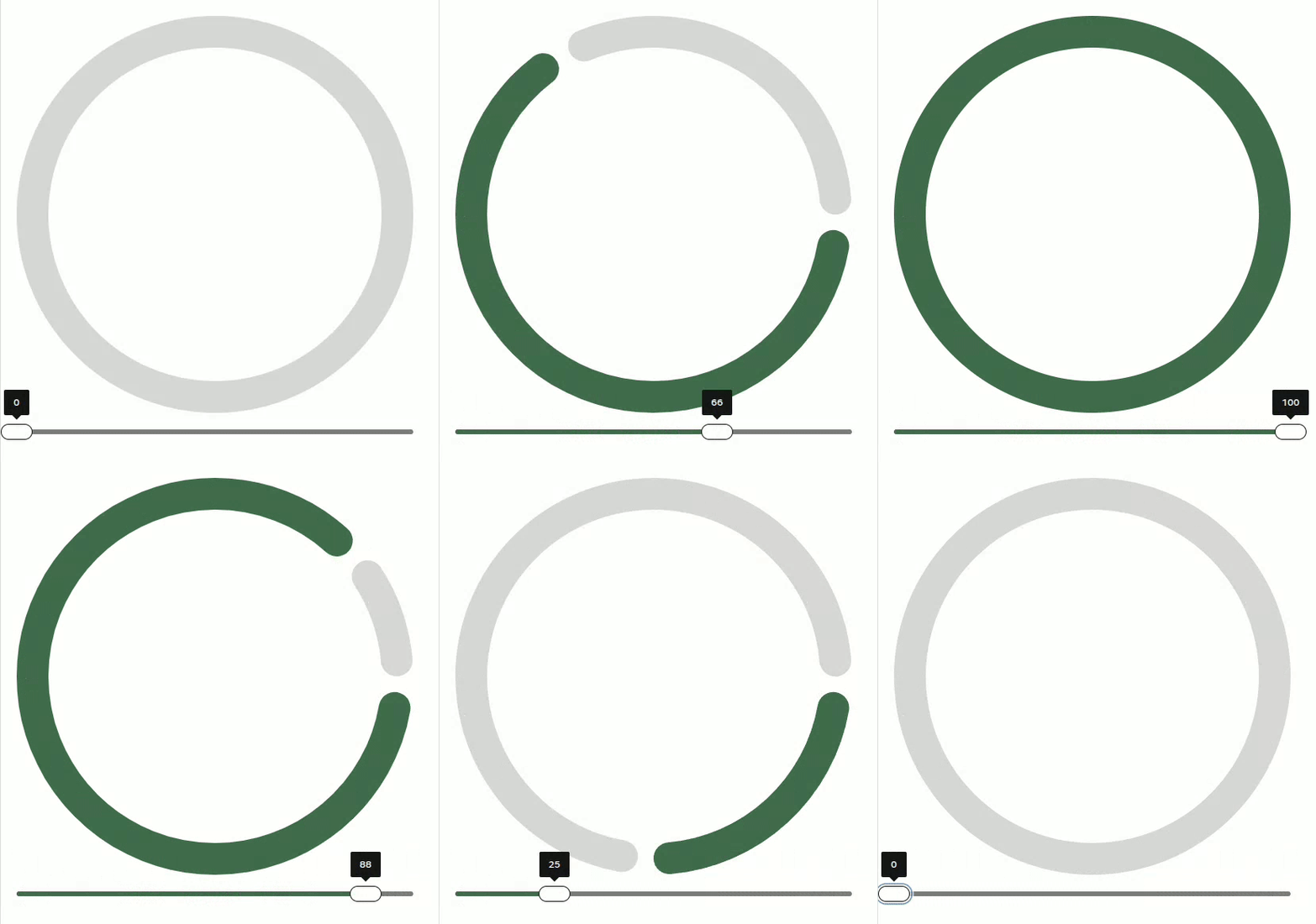
We then rendered the lines only if they had a correctly computed value, and fully closed them into a circle when the values were 0 or 100.

And with that, everything was resolved.
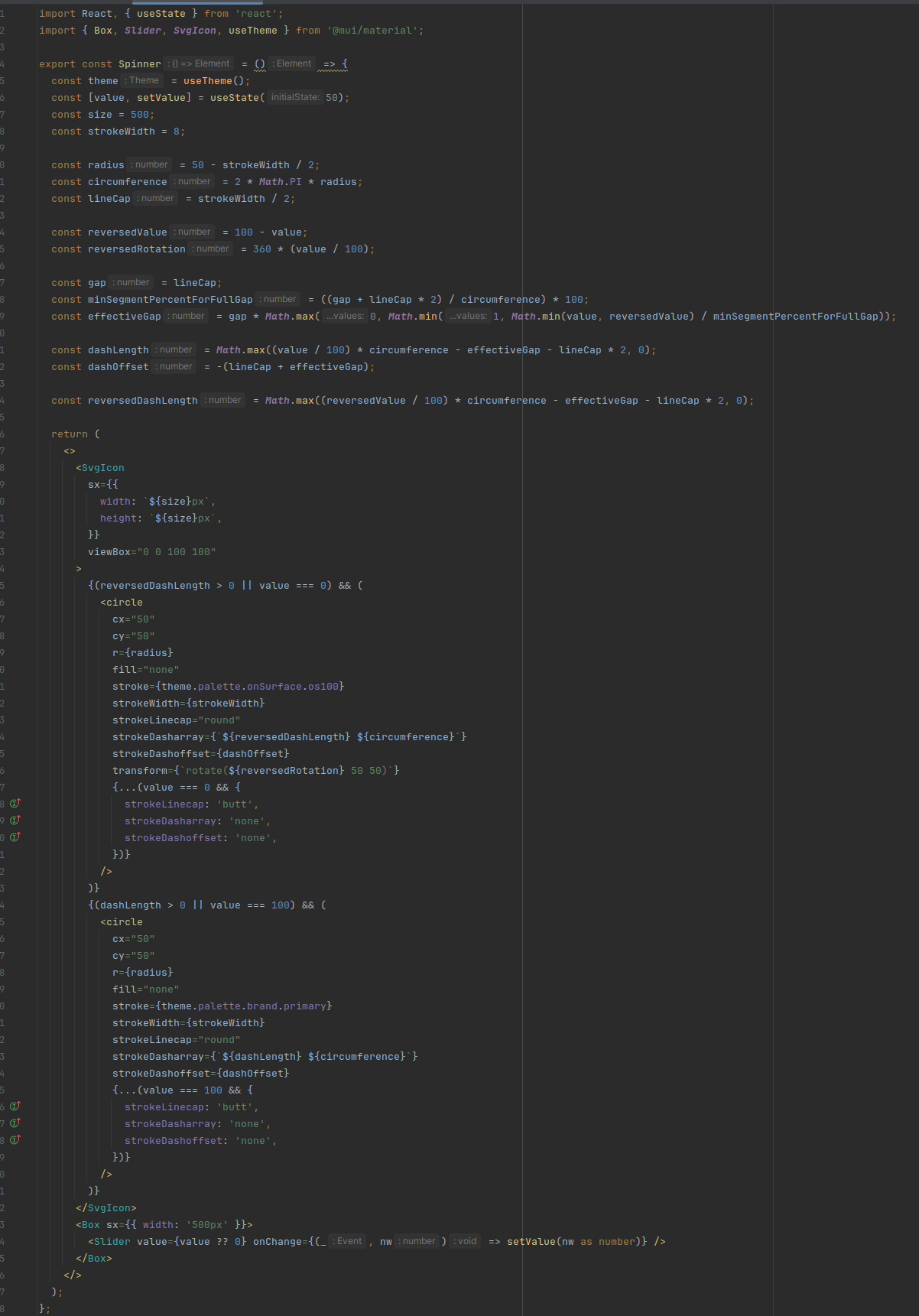
Full code:
🔗 download full code
The Progress Spinner is now available in the latest version of @skodaflow/web-library (https://flow-library.skoda-auto.com/?path=/docs/web-library-components-progress--docs).
We enjoyed developing it, and it confirmed for us that tackling the implementation step by step is the key to achieving a high-quality result.
%202.jpg)

%202.jpg)



%202.jpg)
.jpg)